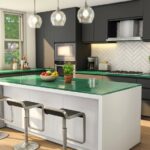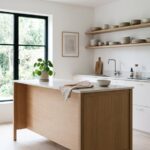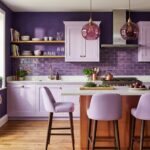
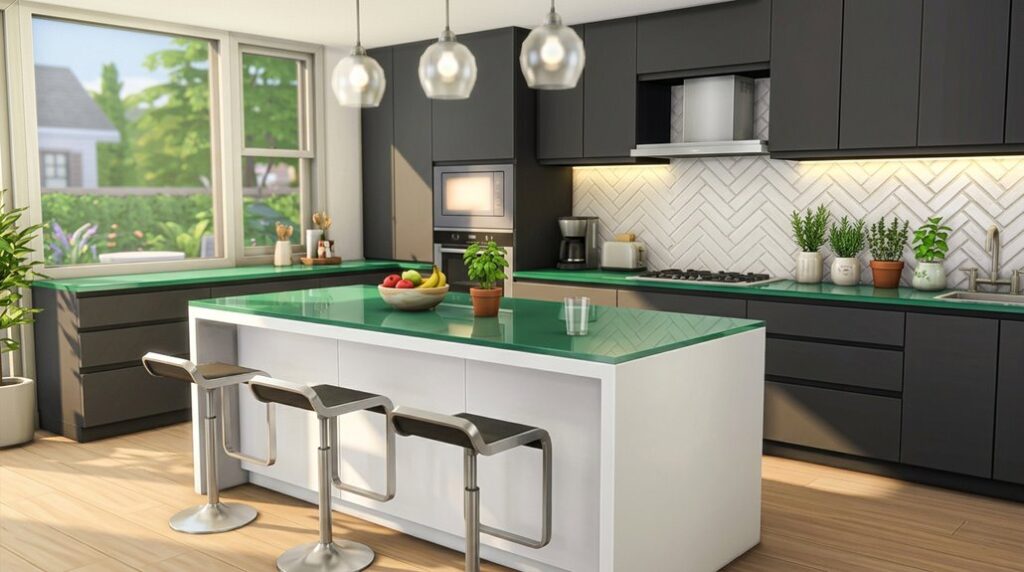
I’ve discovered that designing a modern kitchen in The Sims 4 creates a functional, attractive social space in your virtual home. However, there’s a strategy behind it. You can’t just place cabinets randomly and expect great results.
The key is understanding how layout, lighting, and materials work together to create good flow and visual appeal. Let me show you exactly how to build a kitchen that’s both beautiful and practical.
Plan Your Modern Kitchen Layout for Smooth Movement
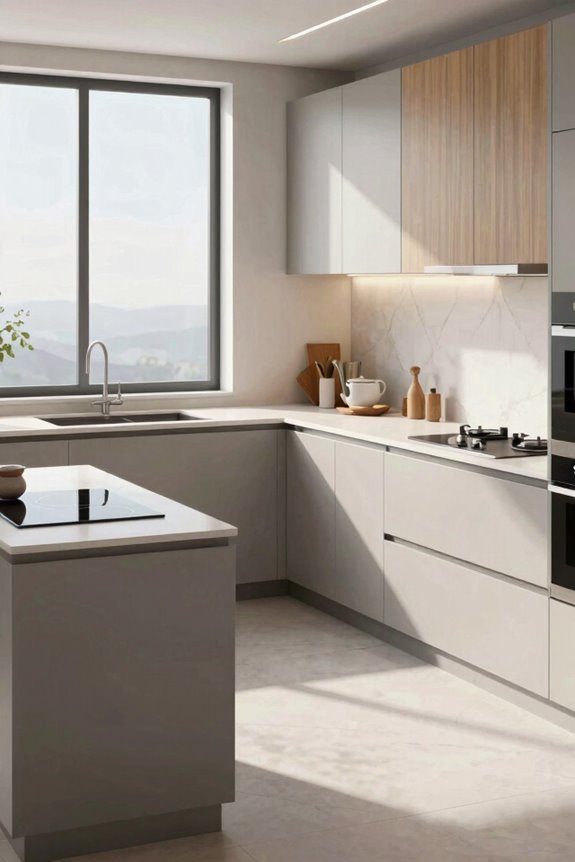
How can you design a kitchen that lets your Sims move freely without getting stuck? I’ll show you how to create a space where your Sims work well. Start by positioning your prep area, stove, and sink at opposite points with at least two squares of open space in front of each. This creates an efficient work triangle that minimizes unnecessary steps.
Next, maintain clear pathways throughout your kitchen. Keep two to three squares of clearance between islands and counters so multiple Sims navigate simultaneously without collision. Consider an open concept layout that connects your kitchen to dining areas without blocking primary work zones.
Finally, place frequently used objects away from high-traffic corners. Design smooth, looping pathways that allow easy access from every direction. These smart choices make your kitchen into a functional, welcoming space where your Sims truly belong.
Mix Counter Shapes for Function and Visual Interest
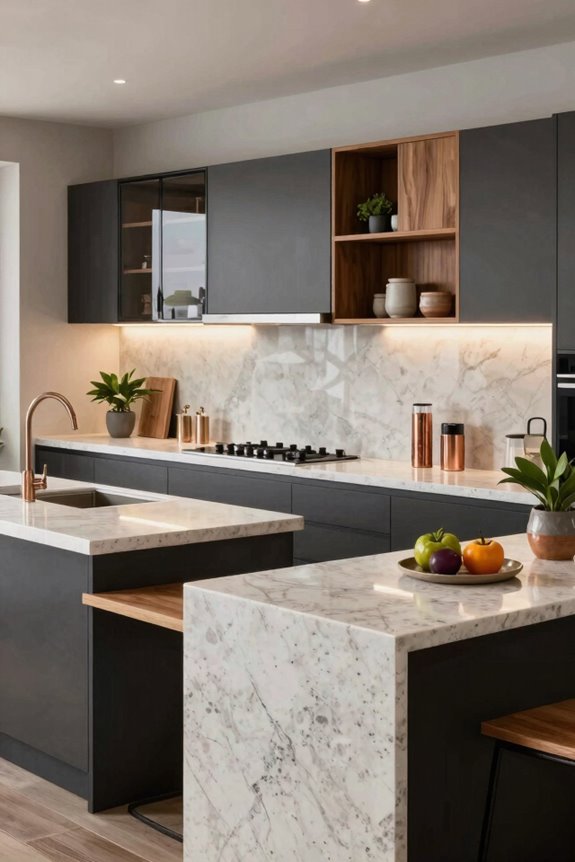
I’ll show you how different counter shapes enhance your kitchen’s look and function. Start mixing straight counters with bold L-shaped sections and curved islands to create distinct cooking zones while keeping your Sims moving smoothly through the space.
Pair these diverse shapes with strategic island placements, then top them with contrasting cabinet styles: solid fronts next to glass doors. This creates a modern design that’s both practical and visually interesting.
Exploring Diverse Counter Shapes
Why settle for boring, uniform counters when you can mix shapes to create a kitchen with distinct work zones? I recommend combining straight sections, L-shaped pieces, and a kitchen island. Turn off the automatic counter tool to preview triangular and rounded options that fit your vision.
Varied counter shapes improve flow in tight kitchens. Position your cooking area opposite the prep zone, leaving open space for Sims to move freely. This smart layout prevents congestion and looks well-planned.
Try pairing granite counters with warm wood tones or concrete finishes. These combinations create striking visual contrast. Experiment with different heights and depths to define each functional zone: prep, cooking, cleanup. This approach creates a modern, purposeful kitchen where style meets practical design.
Strategic Island Customization Techniques
Your kitchen island can be so much more than a simple rectangle. I’ll show you how to create a striking centerpiece that brings your design vision to life.
Turn off the automatic counter tool and mix convex, concave, and straight sections. Pair an L-shaped island with curved ends to create distinct prep zones. This layout improves traffic flow and prevents Sims from colliding around key surfaces.
Space at least two squares before your stove, sink, and prep area. Add triangular and rounded counter sections to break up rigid lines.
Preview each section’s appearance first. Make sure your marble backsplash, matte black cabinets, and color scheme align perfectly. These custom islands become conversation starters, reflecting your unique style while keeping your kitchen functional and visually cohesive.
Select Upper Cabinets: Glass Fronts vs. Solid Doors
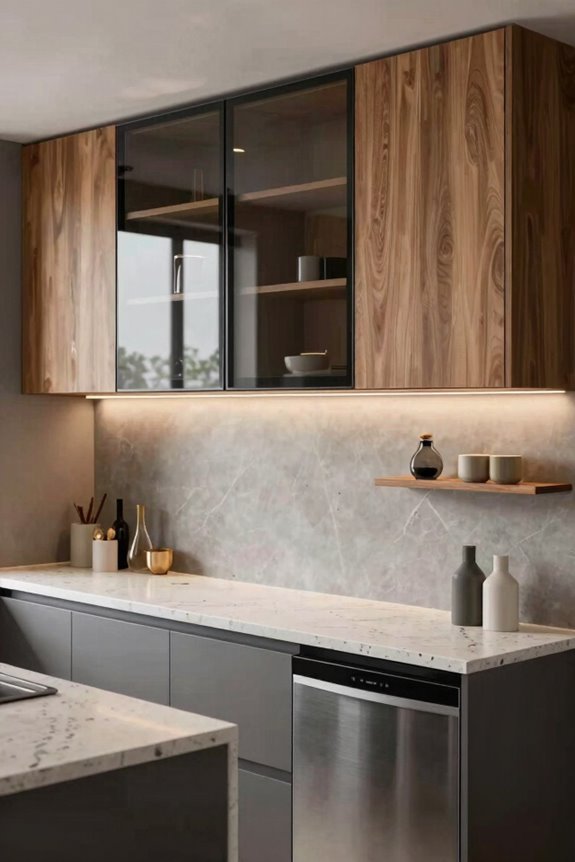
When you’re designing your Sims kitchen, one essential choice determines how open or tucked-away your space feels: should your upper cabinets display everything behind glass, or hide contents behind solid doors?
Glass fronts reveal your dishware and create visual depth, but don’t go overboard. They require styled interiors to avoid looking flat or boring. Solid doors offer a clean, streamlined aesthetic that hides clutter completely.
| Feature | Glass Fronts | Solid Doors | Mixed Approach |
|---|---|---|---|
| Visual Feel | Open, airy | Clean, modern | Balanced, dynamic |
| Maintenance | Requires styling | Low effort | Moderate effort |
| Best With | Light walls | Bold colors | Any backsplash |
| Storage Look | Displays items | Hides contents | Creates hierarchy |
Consider your backsplash when making your decision. Glass reflects lighting beautifully with darker schemes. Solid doors balance busy backsplashes perfectly.
Mixing both options adds architectural interest and keeps your kitchen from feeling one-dimensional.
Create Focal Points With Textured Accent Walls
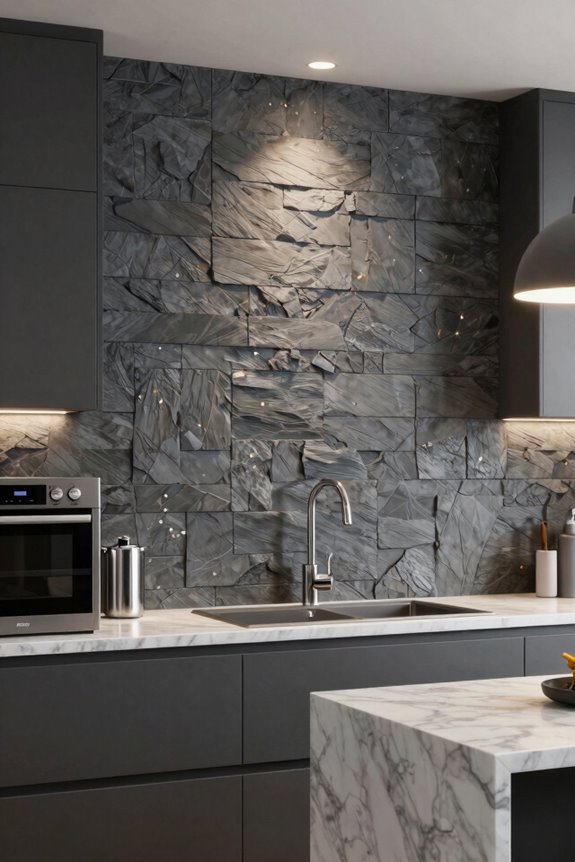
Now that you’ve chosen your cabinet style, it’s time to build visual drama into your kitchen’s walls. I recommend creating a striking focal point using textured accent walls. Consider applying warm textured brick or sleek metal surfaces behind your backsplash or dining area. These materials instantly grab attention and add personality.
Mix different wall textures to guide your eye toward key zones. Pair concrete panels with smooth paint around your island or range. This contrast creates depth and highlights your main workspace.
Don’t forget about lighting; it’s an important element. Position lights to enhance texture without washing out color. Keep your accent wall simple in tone while using complementary shades elsewhere.
This approach creates a kitchen that feels well-designed and sophisticated. You’re creating a kitchen that reflects modern style and personal taste.
Choose Bold or Monochromatic Colors for Different Aesthetics
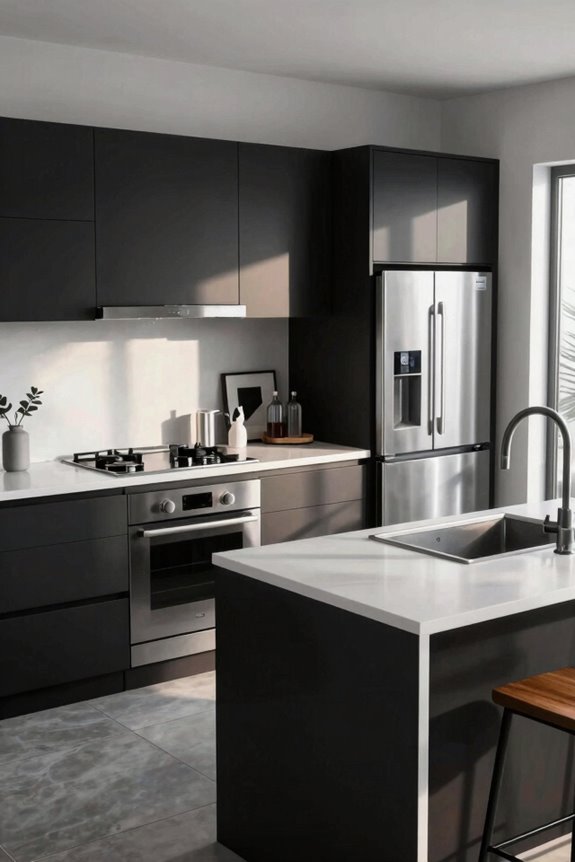
How do you want your kitchen to feel—energetic or calm?
I’ll help you choose the perfect color scheme for your Sims kitchen. Consider these two striking approaches:
- Bold Colors: Pair a saturated navy island with white upper cabinets for dramatic contrast. This creates visual excitement and anchors your workspace beautifully.
- Monochromatic Schemes: Layer varying gray shades from light to dark, building subtle depth without overwhelming your space. This calming approach feels well-coordinated and sophisticated.
- Balanced Combinations: Blend pale blush cabinets with rose accents while keeping countertops and flooring neutral. This maintains interest without clashing.
A bold wall color near your prep area visually highlights your main workflow zone. You’re creating a kitchen that reflects your style. Whether you choose energetic saturation or serene tones, you’re building a space where your Sims thrive.
Add Seating That Fits Your Kitchen’s Flow
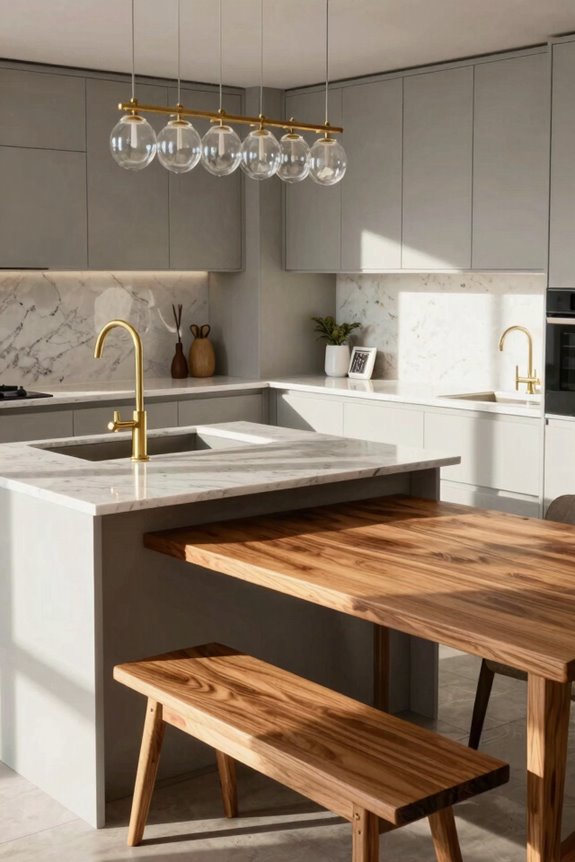
I’ve learned that smart seating makes your kitchen feel like a welcoming hub where your Sims actually want to gather. You’ll want to place bar stools at your island with plenty of open space in front. This keeps traffic flowing smoothly while your Sims cook and chat.
A formal dining area positioned nearby but visually separated creates distinct zones that feel purposeful and functional.
Island Seating Strategies
Where should you actually place those bar stools to make your kitchen feel open and welcoming?
I’ll show you how to arrange island seating that keeps your space flowing beautifully. Strategic stool placement makes your kitchen more inviting and functional.
- Position stools on the short side of your island to maximize movement space and let Sims walk freely around your kitchen without bumping into each other.
- Match stool height to counter height—pair standard 36-inch counters with 24-inch stools for comfortable seating and smooth gameplay.
- Balance 2–4 seats with longer islands (6–8 tiles) to encourage social interaction while preserving valuable prep space.
For narrow kitchens, use seating only on one side or add curved sections to maintain clear walkways. Connect your island area to nearby dining nooks for smooth transitions and easy meal service.
You’ll create a kitchen where your Sims genuinely want to gather.
Dining Area Placement Tips
Your island’s perfectly positioned stools set the stage for something even bigger: a dining area that pulls your whole kitchen together. I’d place your formal table within 6–8 tiles of prep zones for smooth serving. This proximity keeps you connected while cooking.
Here’s what makes dining placement work:
| Design Choice | Benefit | Result |
|---|---|---|
| Window alignment | Natural light floods seating | Warm, inviting gatherings |
| 2-square clearance | Sims move freely without crowding | Traffic flows seamlessly |
| Mixed seating types | Adapts to room width | Flexible, stylish layouts |
Mix bar stools, side chairs, and banquettes strategically. Position your table near focal walls; think striking marble backsplash or warm textured brick. This creates an intentional social hub.
You’re building more than a kitchen. You’re designing a gathering space where your Sims feel at home.
Keep Counter Space Clear Without Losing Character
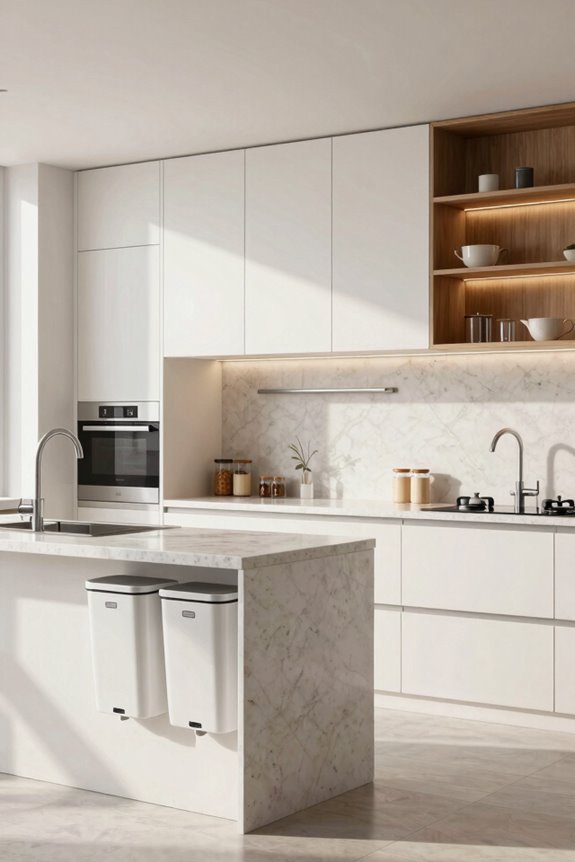
How do you keep a kitchen looking great when your Sims need actual room to cook?
I’ve found the perfect balance by designating prep zones strategically. Here’s what works:
- Reserve counter space intentionally – Keep two clear squares near your stove and sink. Your Sims need breathing room to work efficiently without cramping.
- Use islands wisely – Position islands with adequate clearance on all sides. This prevents traffic jams while adding visual interest and functionality.
- Embrace varied shapes – Mix rectangular and curved counters to create character without sacrificing workspace.
I recommend pairing matte black fixtures with warm marble countertops for that modern edge. Add open shelving strategically to display cookbooks or ceramic pieces, keeping everyday clutter contained in cabinets below.
This approach lets your kitchen feel both beautiful and genuinely livable for your Sims.
Layer Lighting to Showcase Your Design
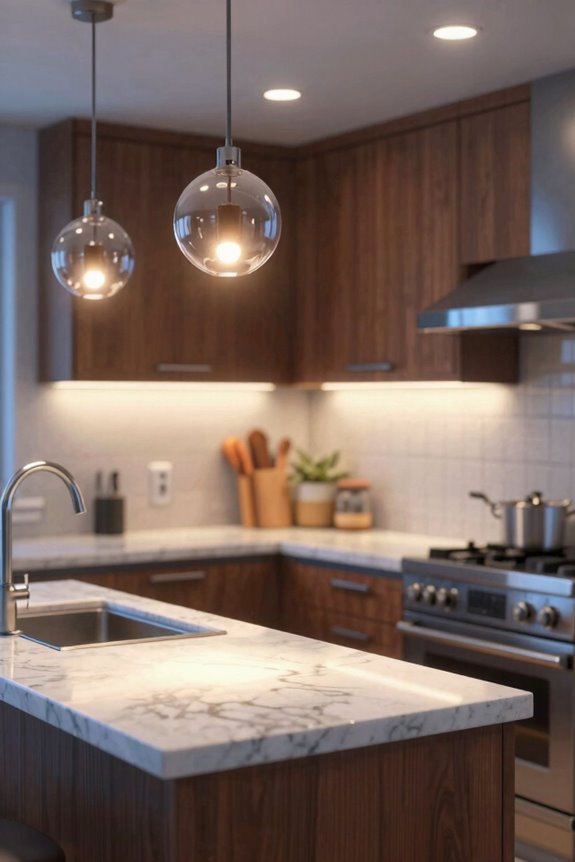
What really makes a kitchen look polished? Lighting does. I’m telling you, layered lighting changes everything.
Start by combining three types: ambient, task, and accent lights. Place bright task lighting over prep zones where your Sim cooks. Install under-cabinet LEDs to illuminate countertops and showcase your backsplash texture. Then add dimmer ambient lighting for atmosphere.
Here’s where it gets interesting: position statement pendants above your island. They’ll draw focus and define your space beautifully.
Don’t forget temperature mixing. Warm, neutral, and cool whites create depth that makes cabinets pop. Adjust brightness throughout the day to enhance cabinet colors under different lighting conditions.
You’re not just lighting a kitchen, you’re highlighting your design masterpiece. Your island, textures, and wall accents deserve to shine.
Design Your Kitchen as an Open-Concept Hub
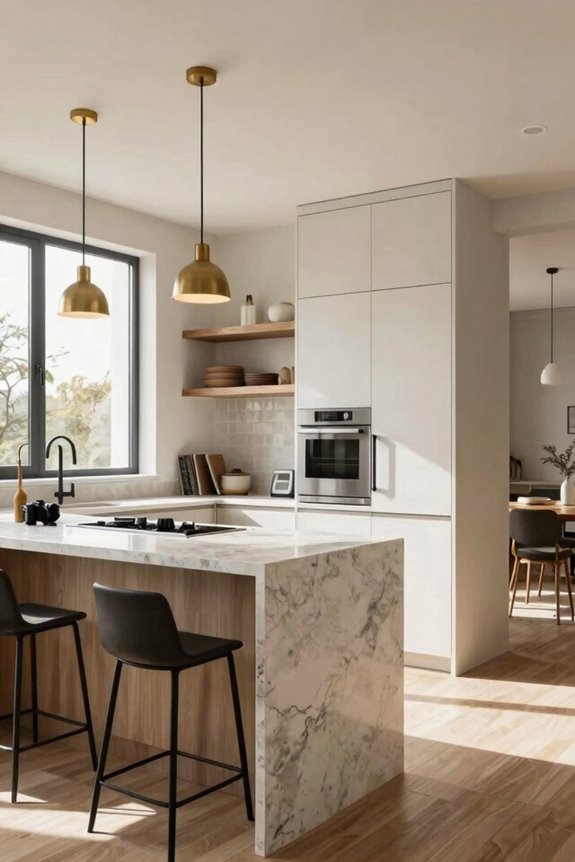
Open-concept kitchens aren’t just trendy; they work well for Sims 4 design. I’m creating spaces where your Sims live, cook, and gather together seamlessly. Here’s how you’ll redesign your kitchen into a true hub:
Open-concept kitchens work beautifully in Sims 4 design, creating seamless spaces where your Sims live, cook, and gather together.
- Position key zones strategically – Place your prep area, stove, and sink across from each other with two open squares before each. This creates natural traffic flow everyone enjoys.
- Mix counter shapes boldly – Combine triangular islands with rounded sections. Turn off automatic tools to preview all options first, making sure your design feels purposeful and visually appealing.
- Blend textures for visual drama – Pair warm brick walls with concrete and matte black accents. These focal points add sophisticated depth.
Position formal dining near the kitchen. Add island stools for casual meals while preserving counter prep space. You’re building the gathering spot your Sims deserve.